
Creating a Desktop
In your web browser, visit the URL for the Designer. This is where you can design desktops for your contact center agents.
Log in using your login details. You’ll see some tiles:
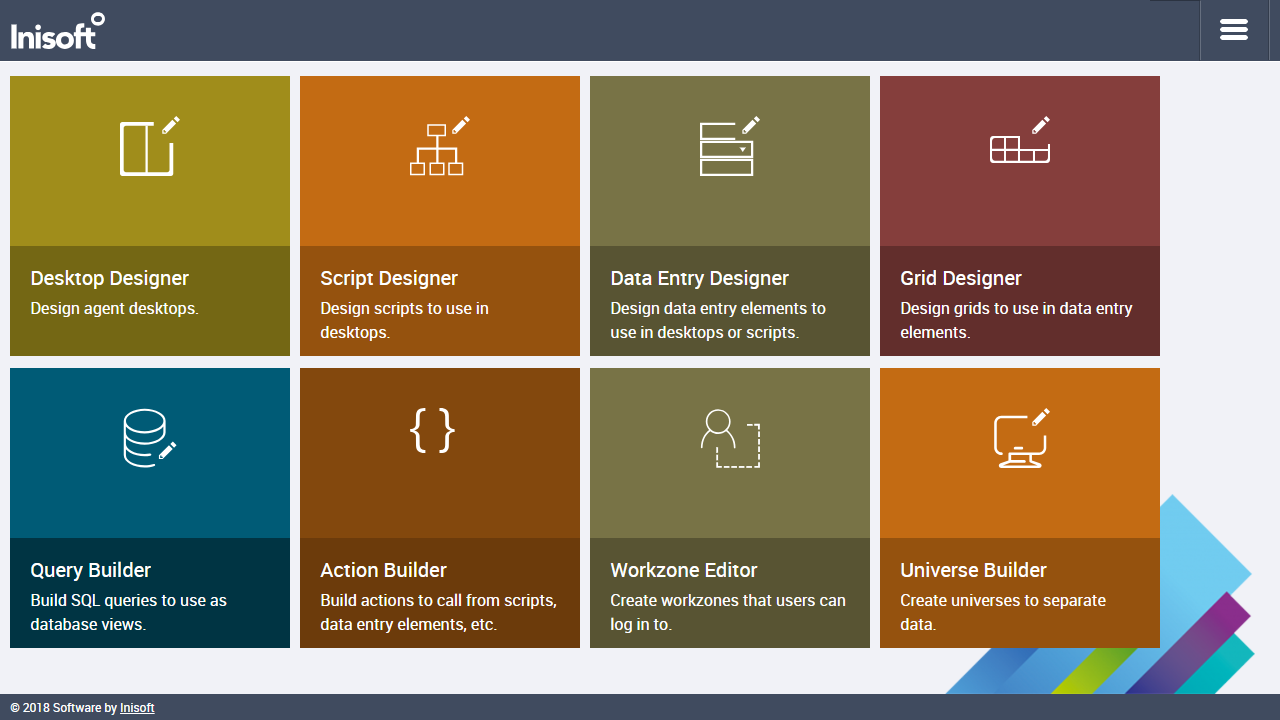
You’re going to create a new desktop, so click Desktop Designer. You’ll be shown a list of existing desktops:
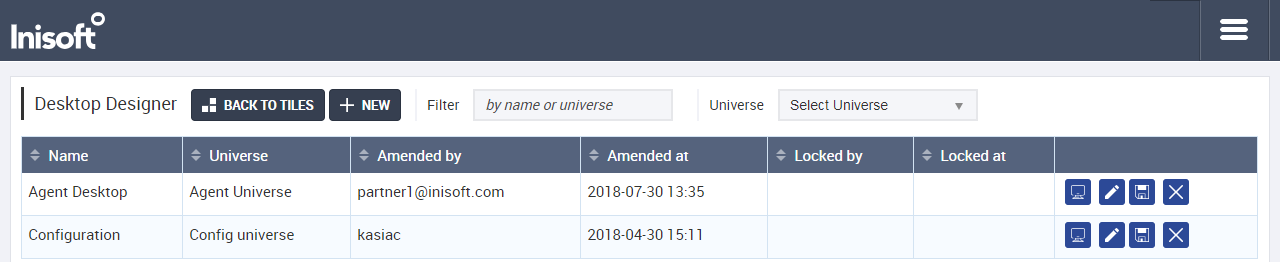
Click  .
.
You’ll be asked to type a name for the desktop. Give it a name like My First Desktop.
Note: If that name is already in use, call it something similar instead. This applies throughout this tutorial, whenever you’re asked to name something.
Next, choose to add the desktop to an existing universe and select Agent Universe as the universe. You’re probably wondering what a universe it, but we’ll talk about that later. For now, let’s push on!
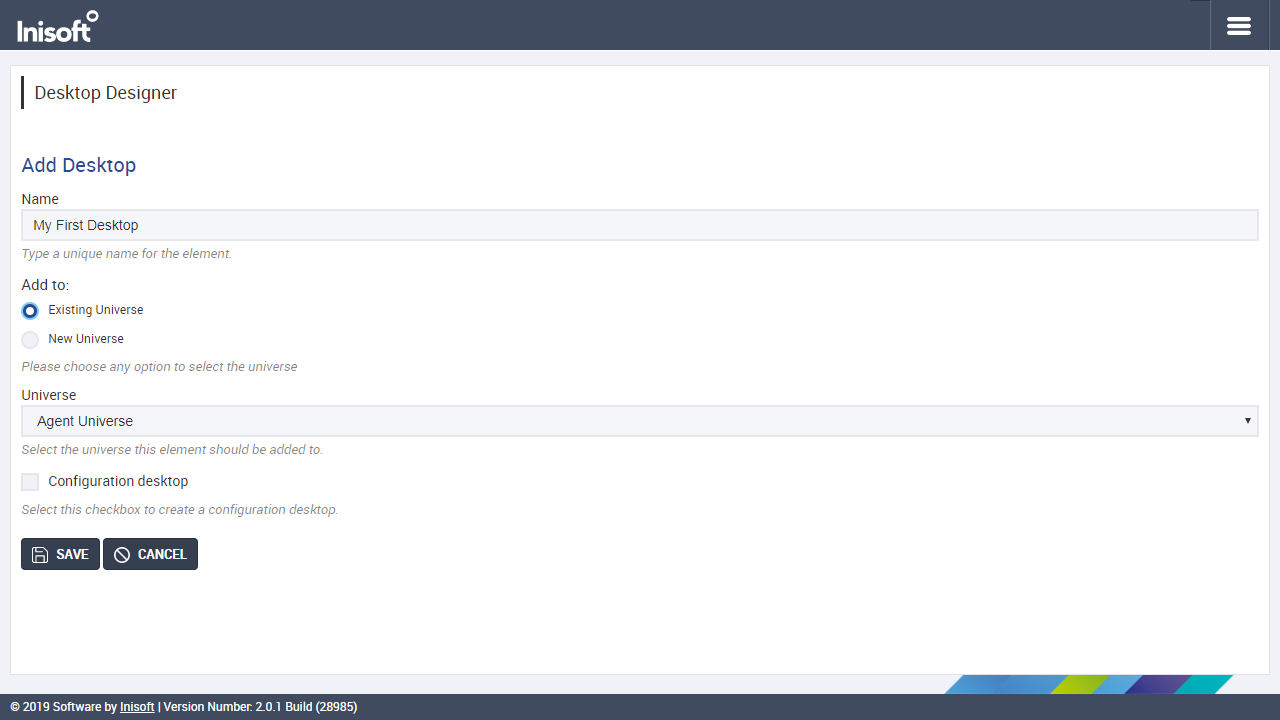
Note: If you’re following this tutorial on an environment that has not been specially set up to support your learning, the Agent Universe universe may not be available. If this is the case, you’ll have to use a different universe.
That’s all you need to enter on this page, so click  to create your desktop.
You’ll see a blank desktop:

In the next chapter, we’ll start designing the desktop, but first click  . As with universes, we’ll talk about workzones later, so don’t worry about this for now.
Now let’s move onto Designing a Desktop!